Itinerary template: day by day
Choose how many days the trip lasts and when it starts, and you get a template to fill in right on the page or print.
What goes in an itinerary?
A good itinerary has the date, where you are, where you sleep, how you move on and what you want to do. Add booking references and times for trains and flights, so everything is in one place when you are standing at the station.
Template or planner?
A template is perfect for a simple overview. If the trip has many stops, or several of you are planning, the trip planner is easier: the route is drawn on the map and the budget is worked out automatically.
How it works
- Choose the number of days
And the date the trip starts.
- Fill in the template
Type straight into the boxes.
- Print or copy
Take it on paper or paste it wherever you like.
- Upgrade
Move the trip to the planner as it grows.
Make the trip your own
One click puts the whole route in the planner. There you can add dates, lodging and budget, move stops around and plan together with friends. Free, and you do not need an account to start.
Ready-made trips to start from
 14 daysThailand in two weeksBig city, temples up north and three islands in the Andaman Sea.
 14 daysJapan in two weeksThe golden route with bullet trains, temples and some of the world's best food.
 10 daysFrance by trainParis, food in Lyon, Provence and the Mediterranean, with fast trains in between.
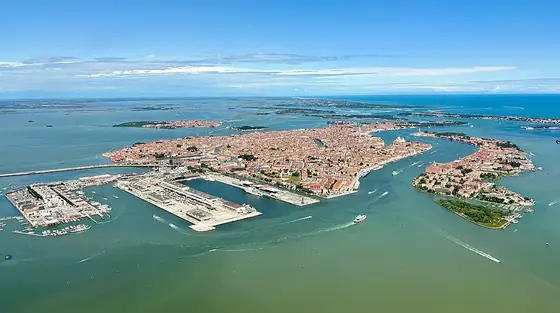 10 daysItaly by trainFour classics in ten days, with trains that drop you right in the city centres.
 3 weeksInterrail Europe in three weeksSeven cities, one rail pass and all of Central Europe.
Frequently asked questions
Is the template free?
Yes, it is free to use and print.
Is what I type saved?
Yes, what you type is saved in your browser.
Can I use the template in Word or Google Docs?
Yes, press Copy as text and paste it wherever you like.
How many days can the template have?
Up to 60 days.